Connect Your WhatsApp Number
SendHub.ai supports two types of WhatsApp connections. Go to Channels in the sidebar and click Connect Number.
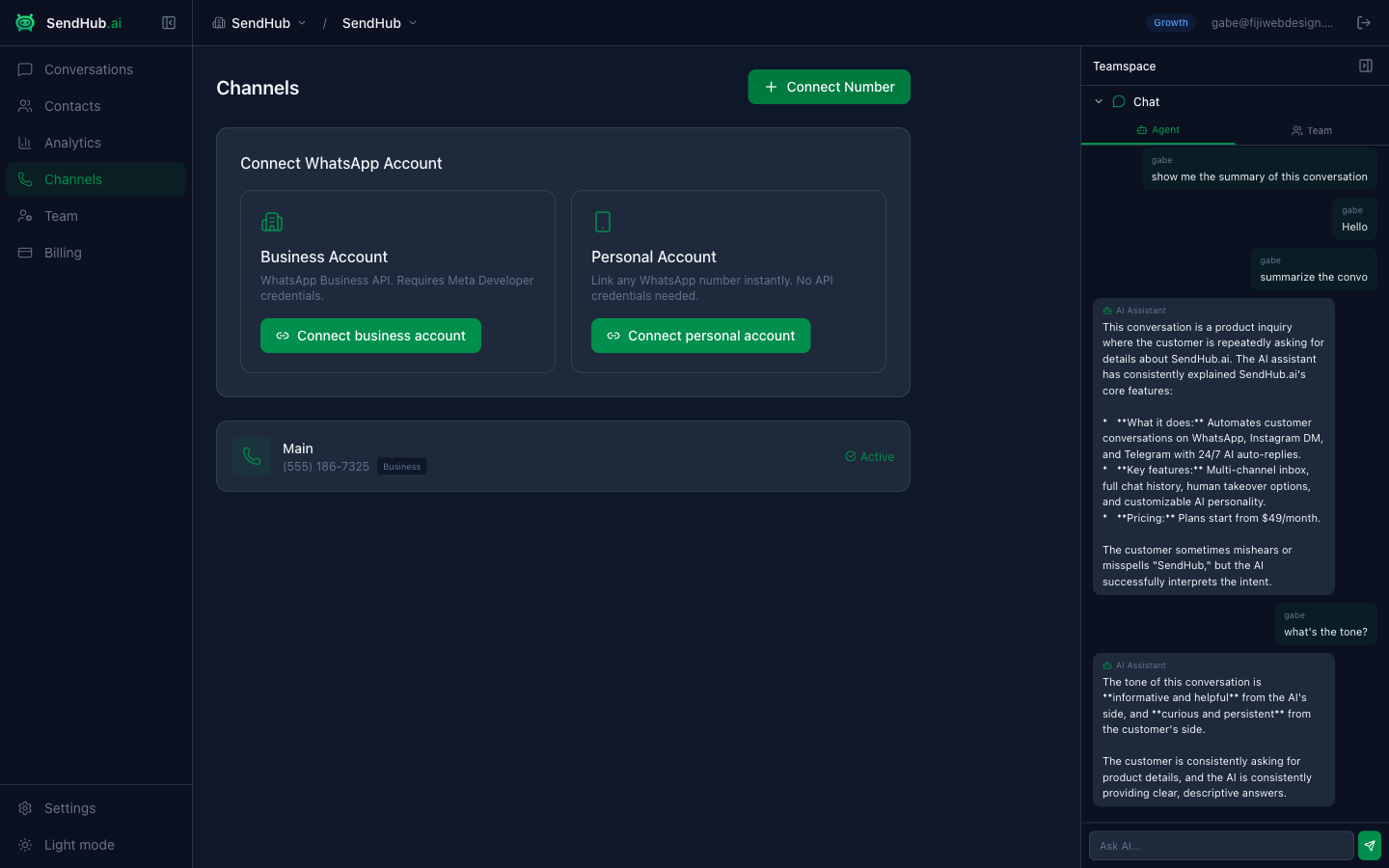
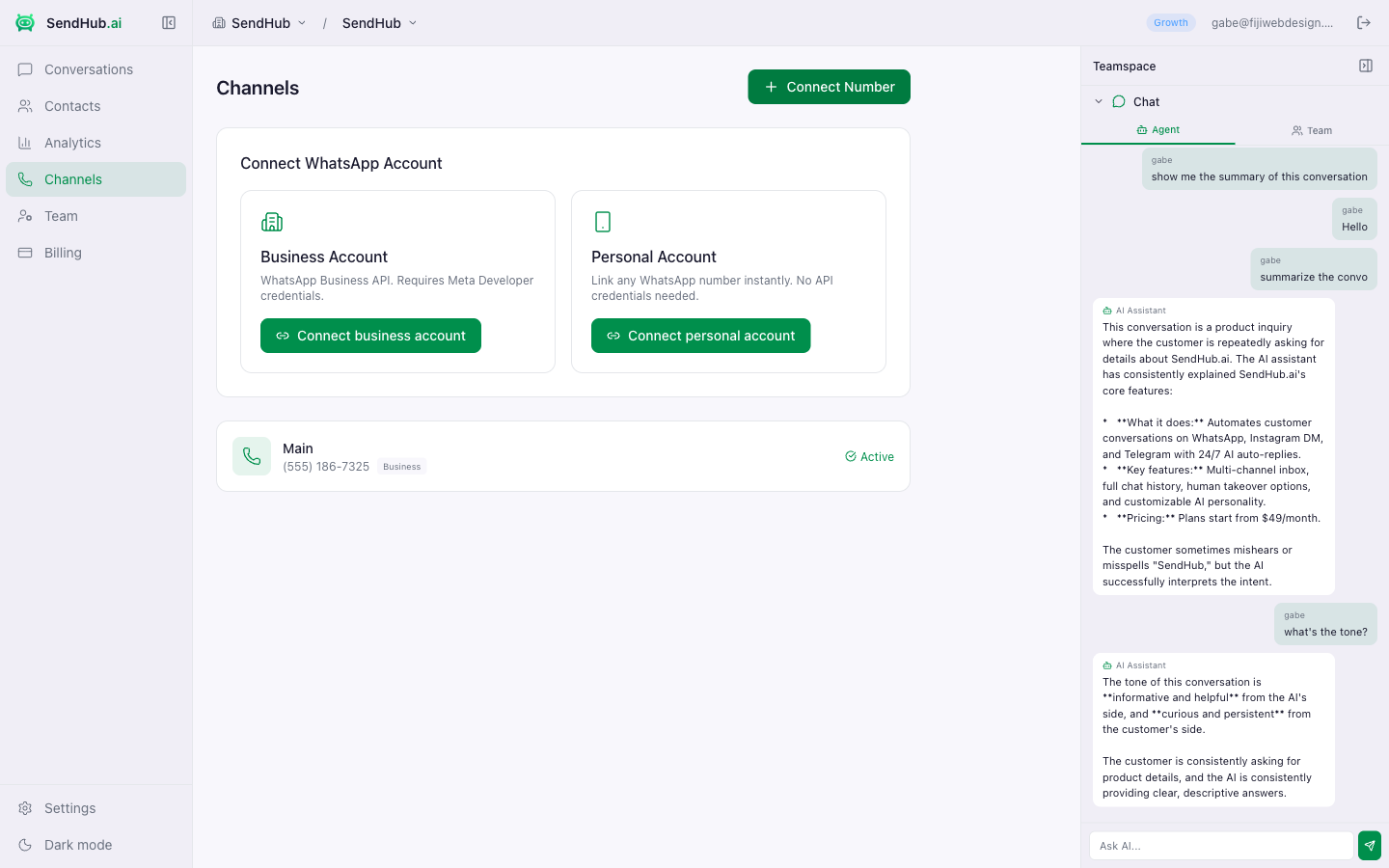
Option 1: Business Account
For WhatsApp Business API numbers with Meta Developer credentials.
What you’ll need:
- Your WhatsApp phone number
- WABA ID (WhatsApp Business Account ID) — from the Meta Developer Dashboard
- Access Token — your WhatsApp API access token
Steps:
- Click Connect business account
- Enter your phone number using the international phone input
- Enter your WABA ID and Access Token
- Give the channel a label (e.g., “Sales”, “Support”)
- Click Connect
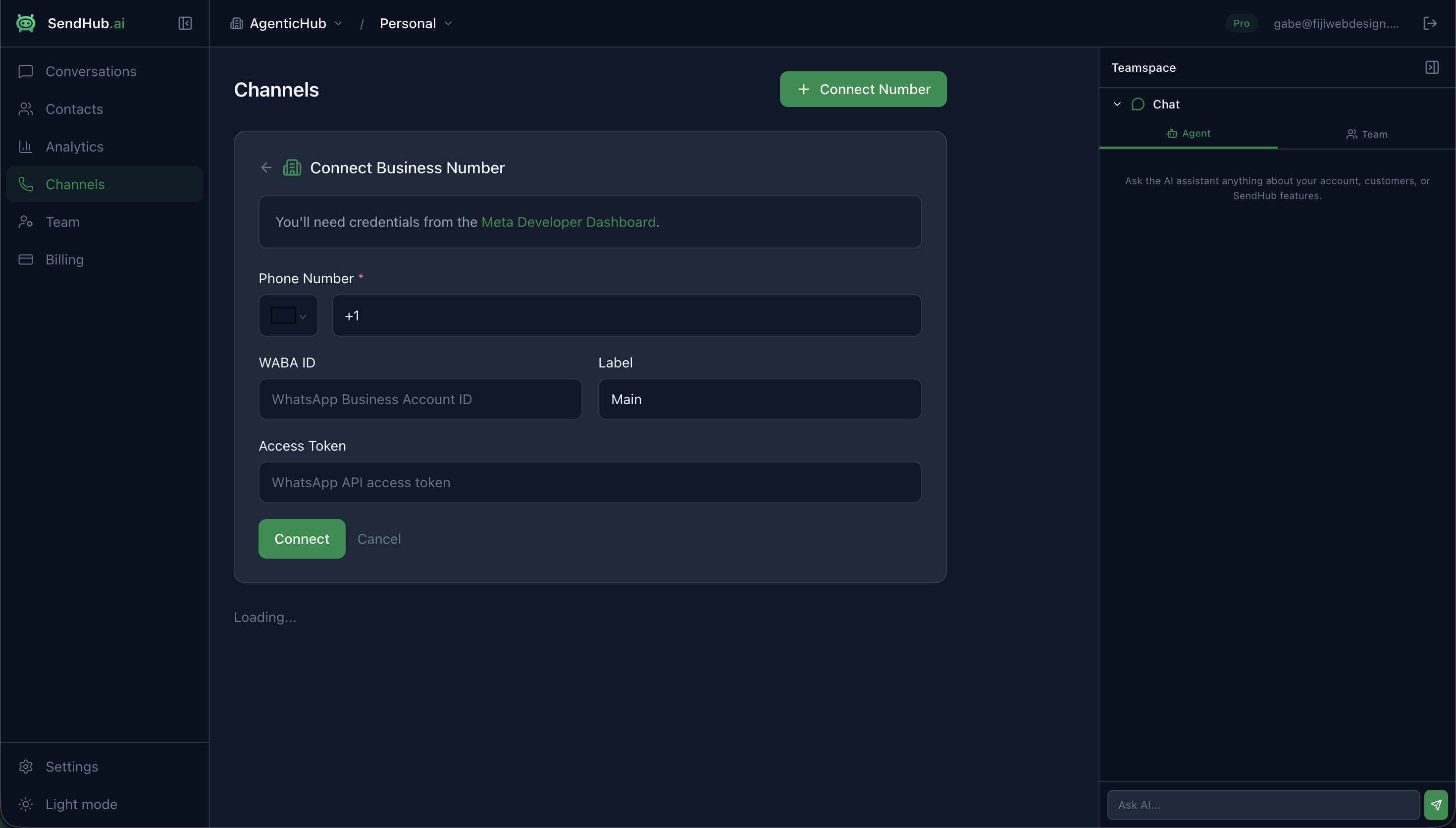
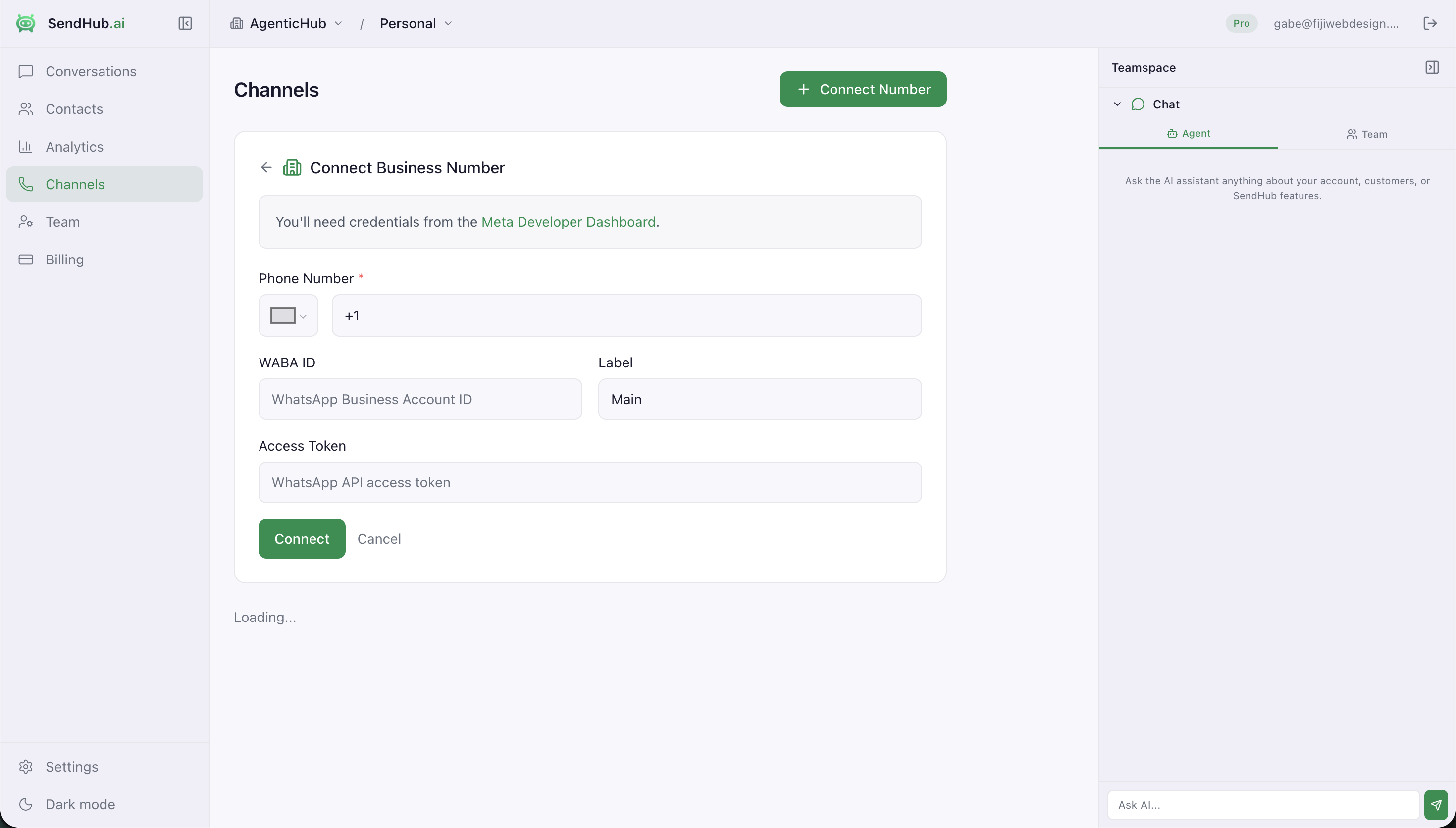
The channel will appear in your list as Active and start receiving messages immediately.
Option 2: Personal Account
Link any WhatsApp number instantly — no API credentials needed. This uses a WhatsApp Web bridge.
Steps:
- Click Connect personal account
- Enter your WhatsApp phone number
- Give the channel a label
- Click Connect — you’ll receive a pairing code
- On your phone, open WhatsApp → Settings → Linked Devices → Link a Device → Link with phone number
- Enter the pairing code shown on screen
- Click I entered the code and wait for the connection to complete
If your number was previously linked, you’ll receive a 6-digit verification code via WhatsApp instead.
Channel Settings
After connecting, click any channel to configure:
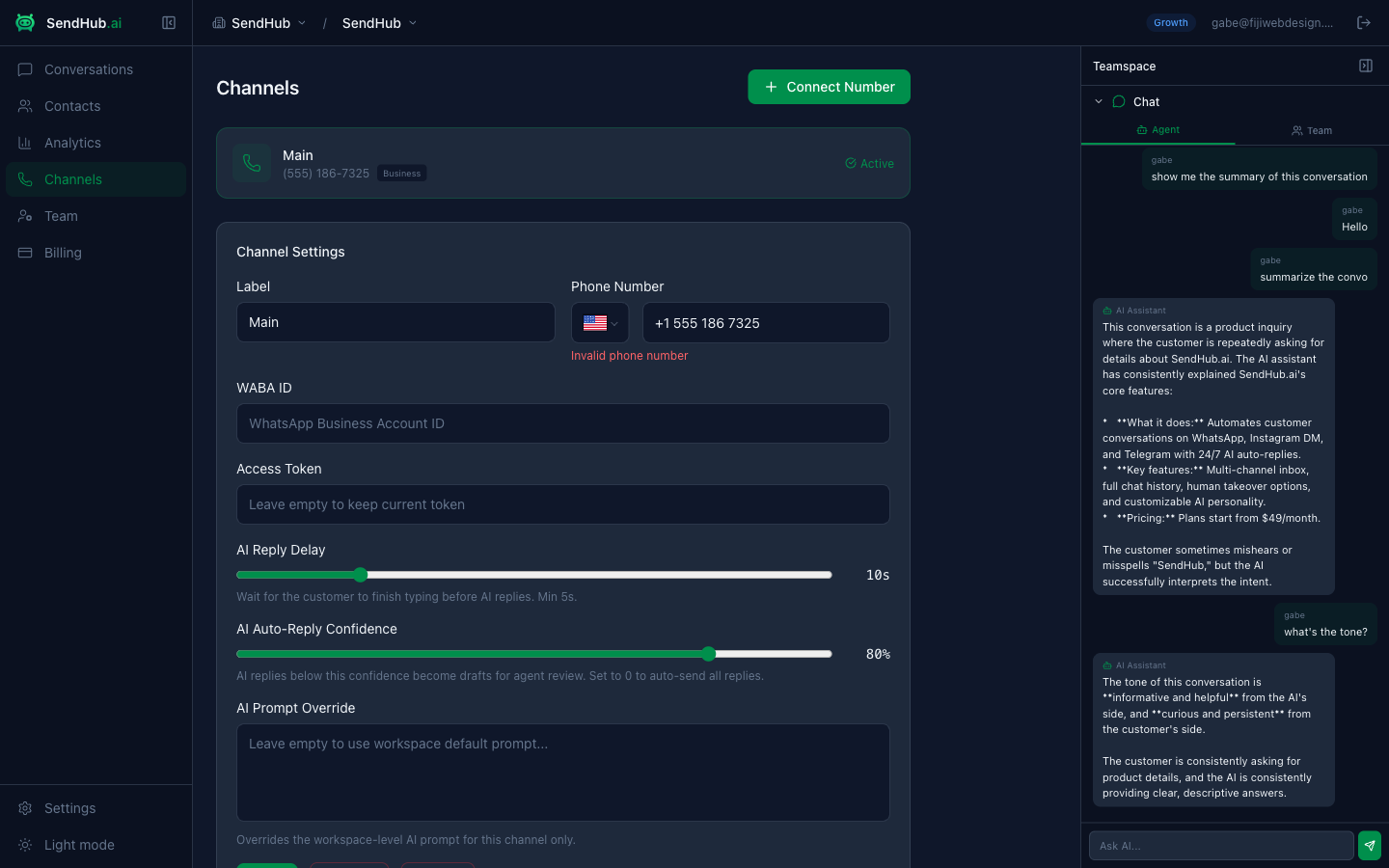
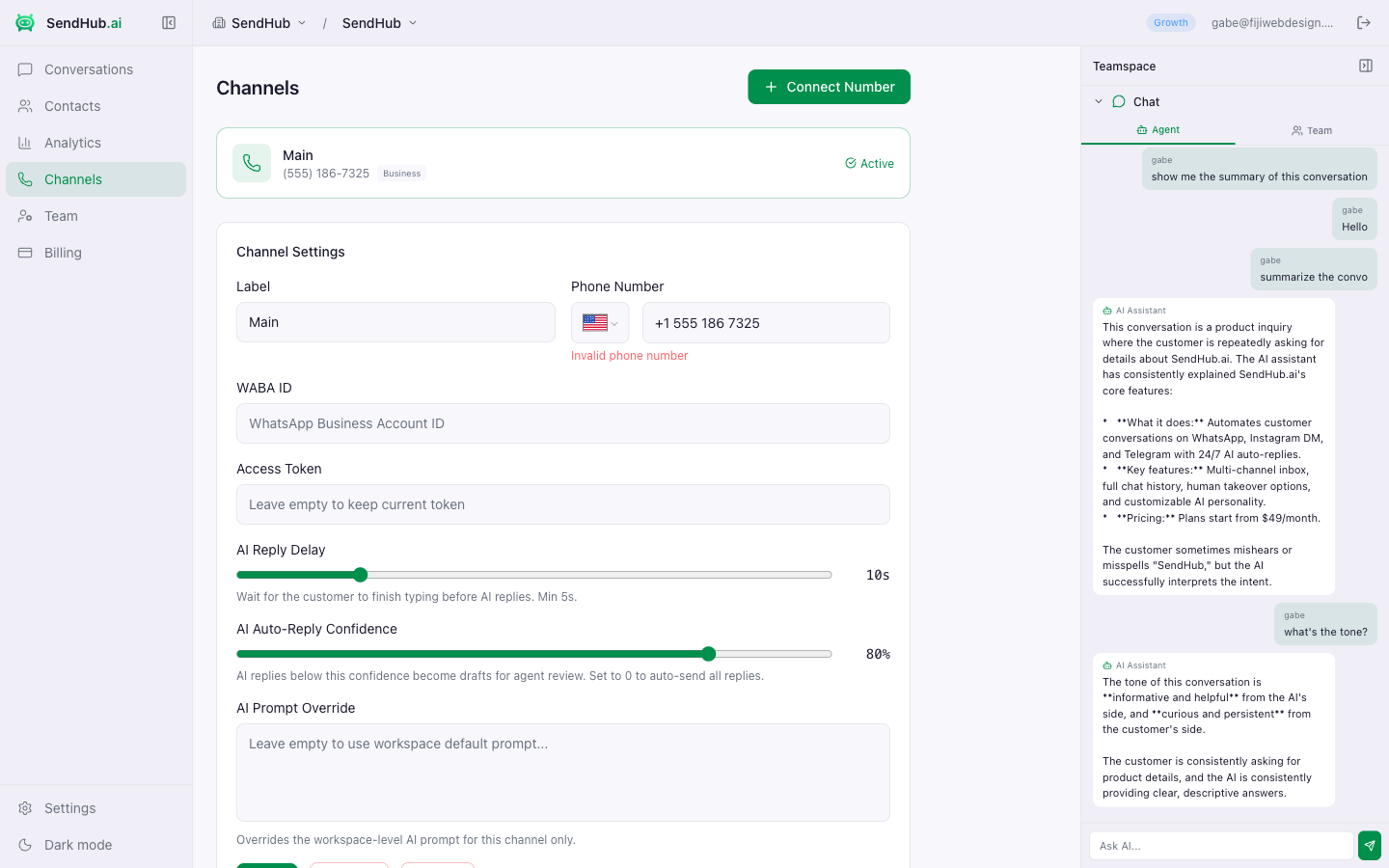
| Setting | Description |
|---|---|
| Label | Display name for this channel |
| Phone Number | The connected WhatsApp number |
| AI Reply Delay | Seconds to wait before AI replies (5–30s). Gives the customer time to finish typing. |
| AI Confidence Threshold | Replies below this confidence become drafts for agent review. Set to 0 to auto-send all. |
| AI Prompt Override | Custom AI prompt for this channel only. Leave empty to use the workspace default. |
Managing Channels
- Enable/Disable — toggle a channel on or off without deleting it
- Delete — permanently remove a channel and its configuration
- WABA ID & Access Token — editable for business channels (personal channels don’t need these)