Getting Started with SendHub.ai
SendHub.ai is an AI-powered WhatsApp automation platform. Connect your WhatsApp number, configure your AI agent, and start automating customer conversations in minutes.
Create Your Account
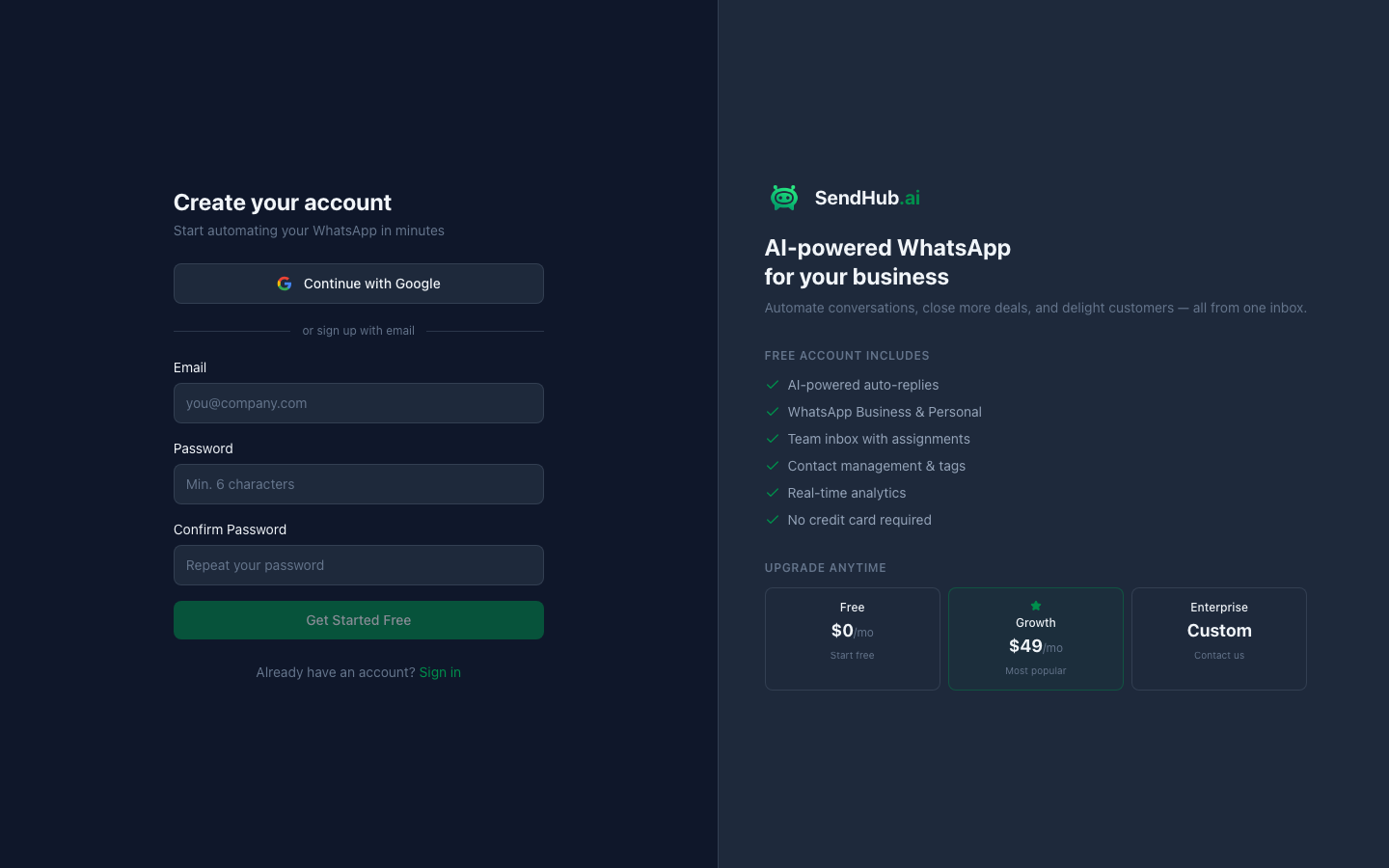
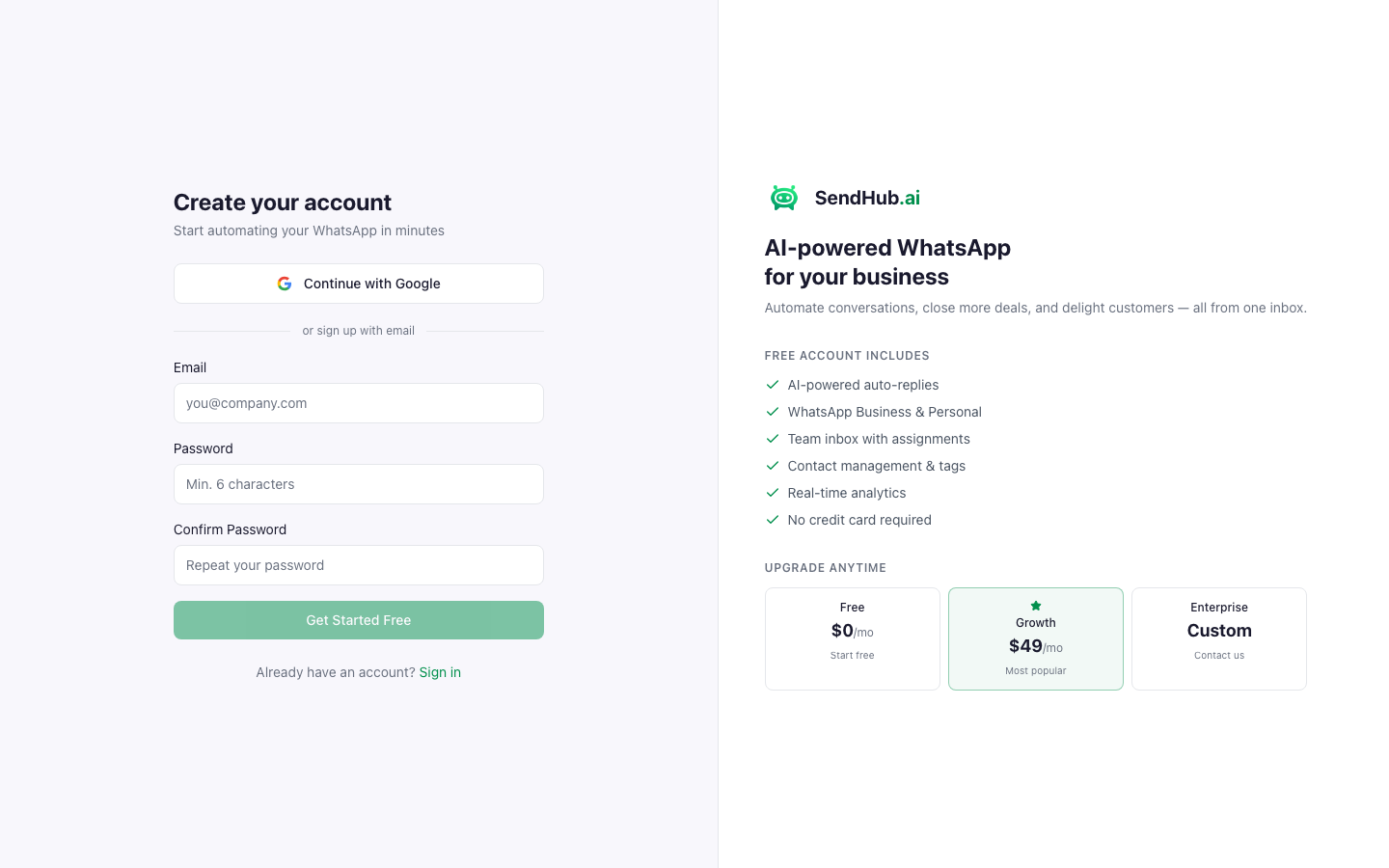
- Go to app.sendhub.ai/signup and enter your email and password.
- You’ll be taken to the Setup screen to create your first organization and workspace.
Set Up Your Organization
After signing up, you’ll create:
- Organization name — your company or team (e.g., “Acme Corp”)
- Workspace name — a workspace within your org (e.g., “Sales”, “Support”)
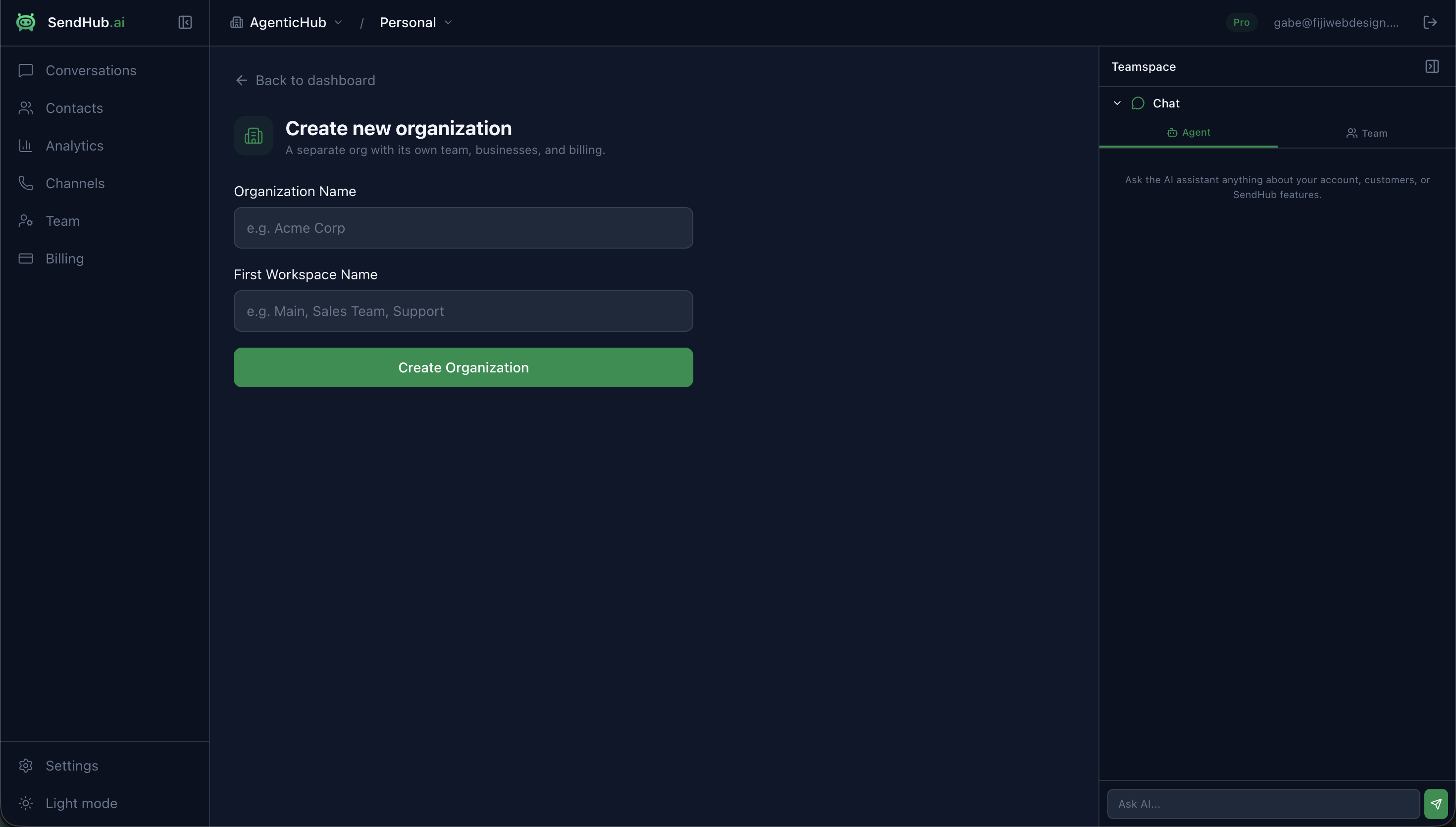
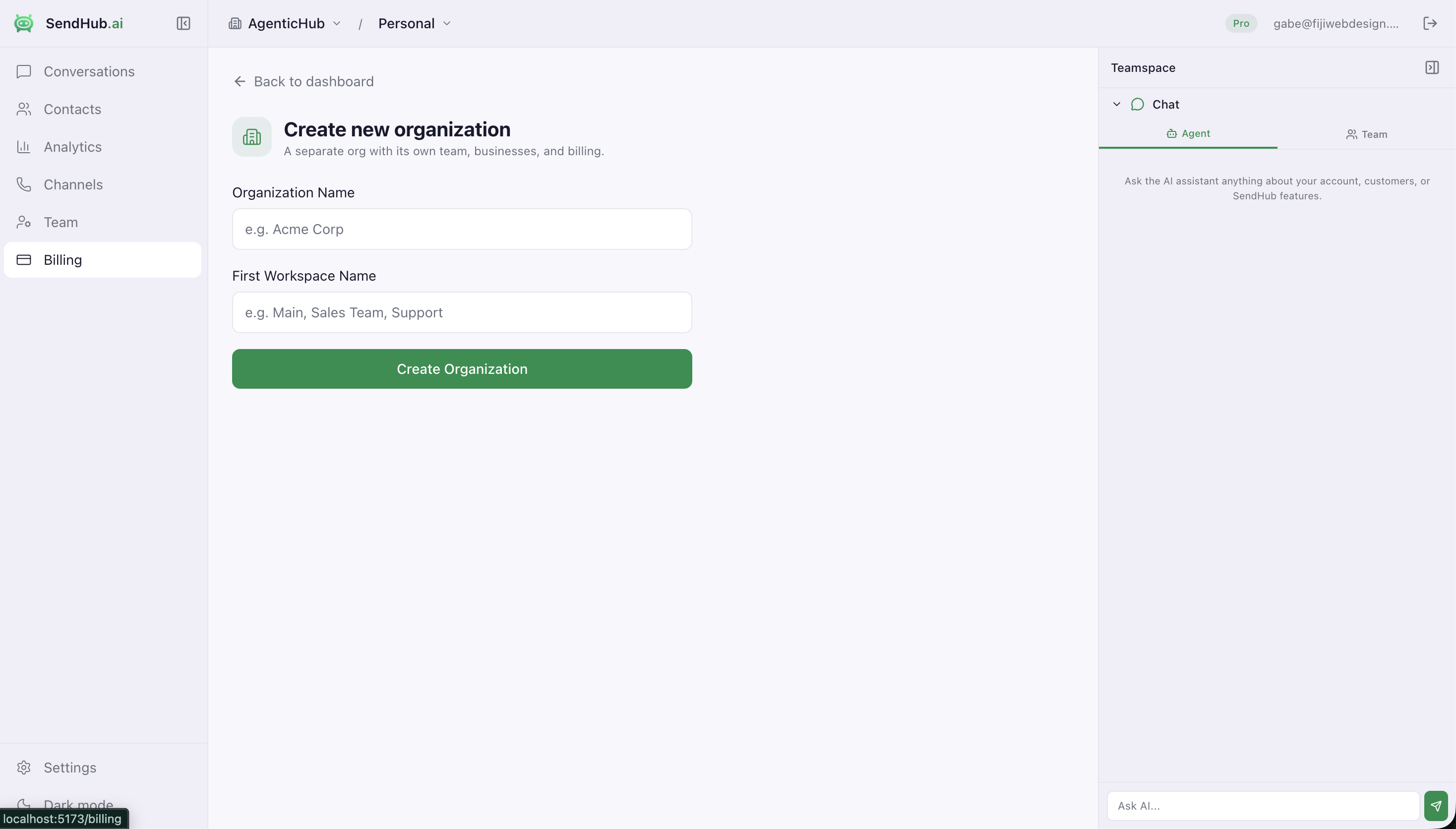
Organizations can have multiple workspaces. Each workspace has its own channels, conversations, contacts, and AI configuration.
Your Dashboard
Once setup is complete, you’ll land on the Conversations page — your main inbox.
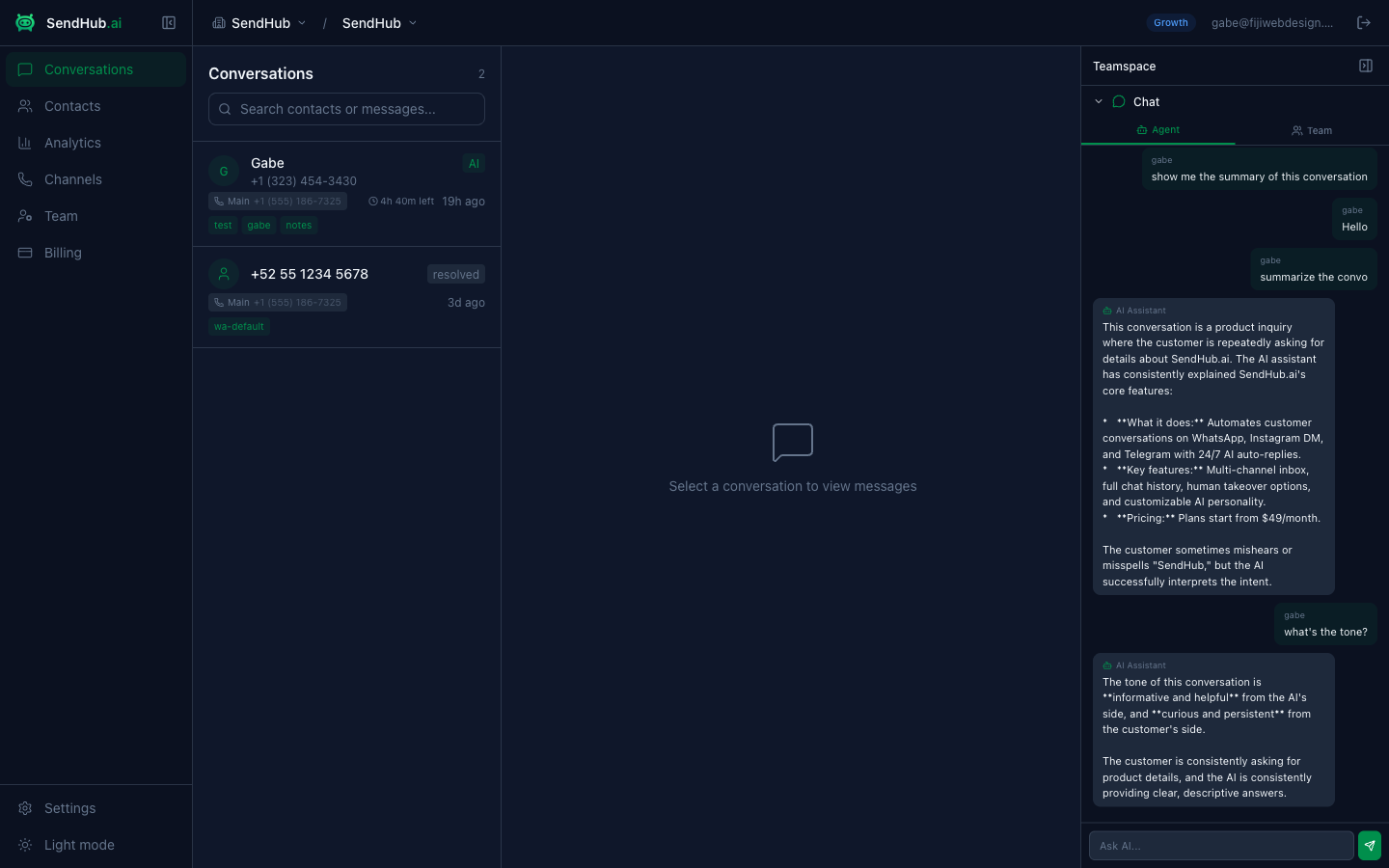
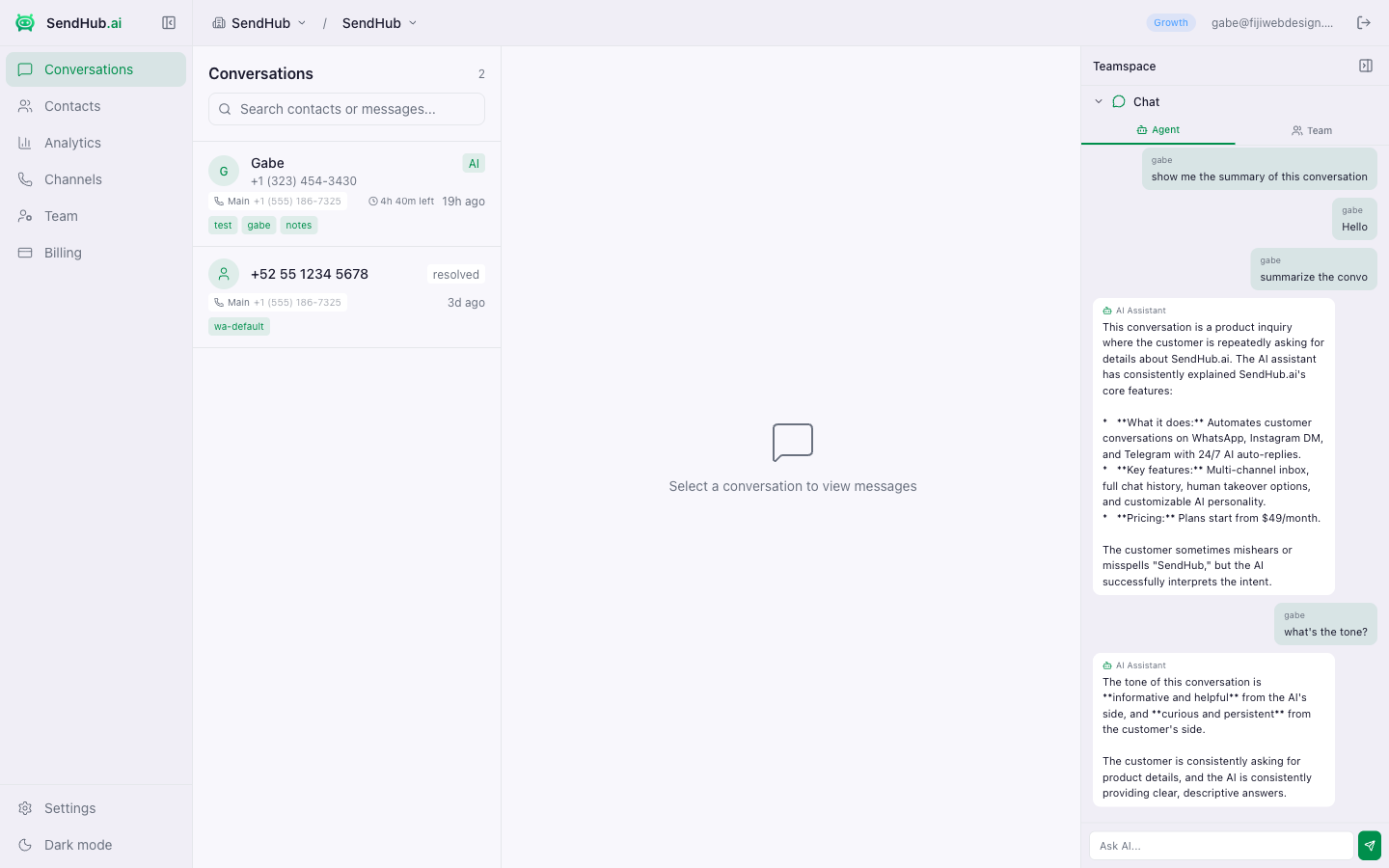
The left sidebar gives you access to:
| Section | What it does |
|---|---|
| Conversations | View and manage all WhatsApp conversations |
| Contacts | Browse and search your contact list |
| Analytics | See conversation stats and AI performance |
| Channels | Connect and manage WhatsApp numbers |
| Team | Invite team members and assign roles |
| Billing | Manage your plan and usage |
| Settings | Configure workspace name and AI prompt |
Next Steps
Your first step should be connecting a WhatsApp number so you can start receiving messages.