Integrations
SendHub connects to your existing tools so AI has the context it needs to help your customers. Manage all integrations from the Integrations page in the dashboard.
Dashboard
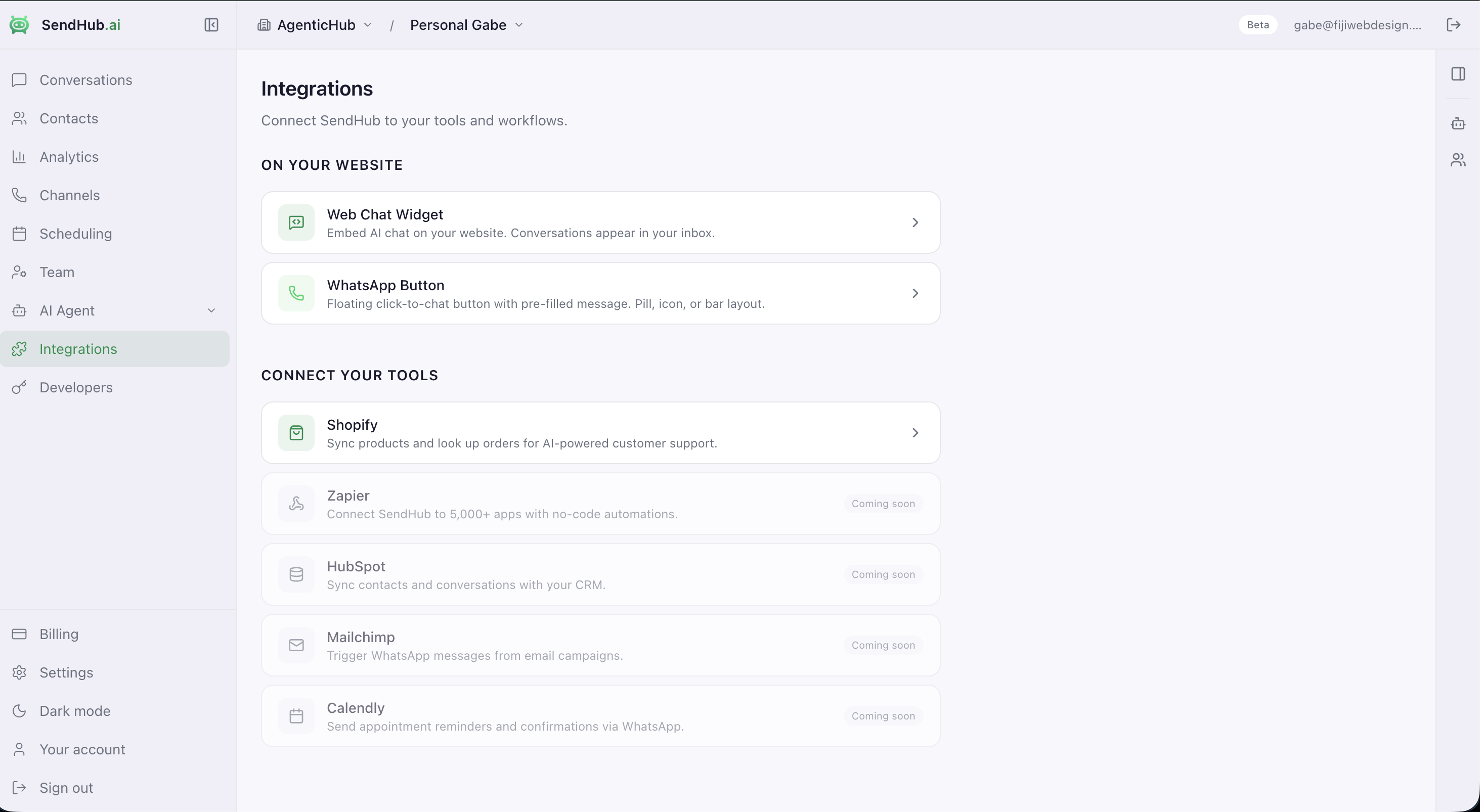
The Integrations page gives you a single view of all connected tools and website features.
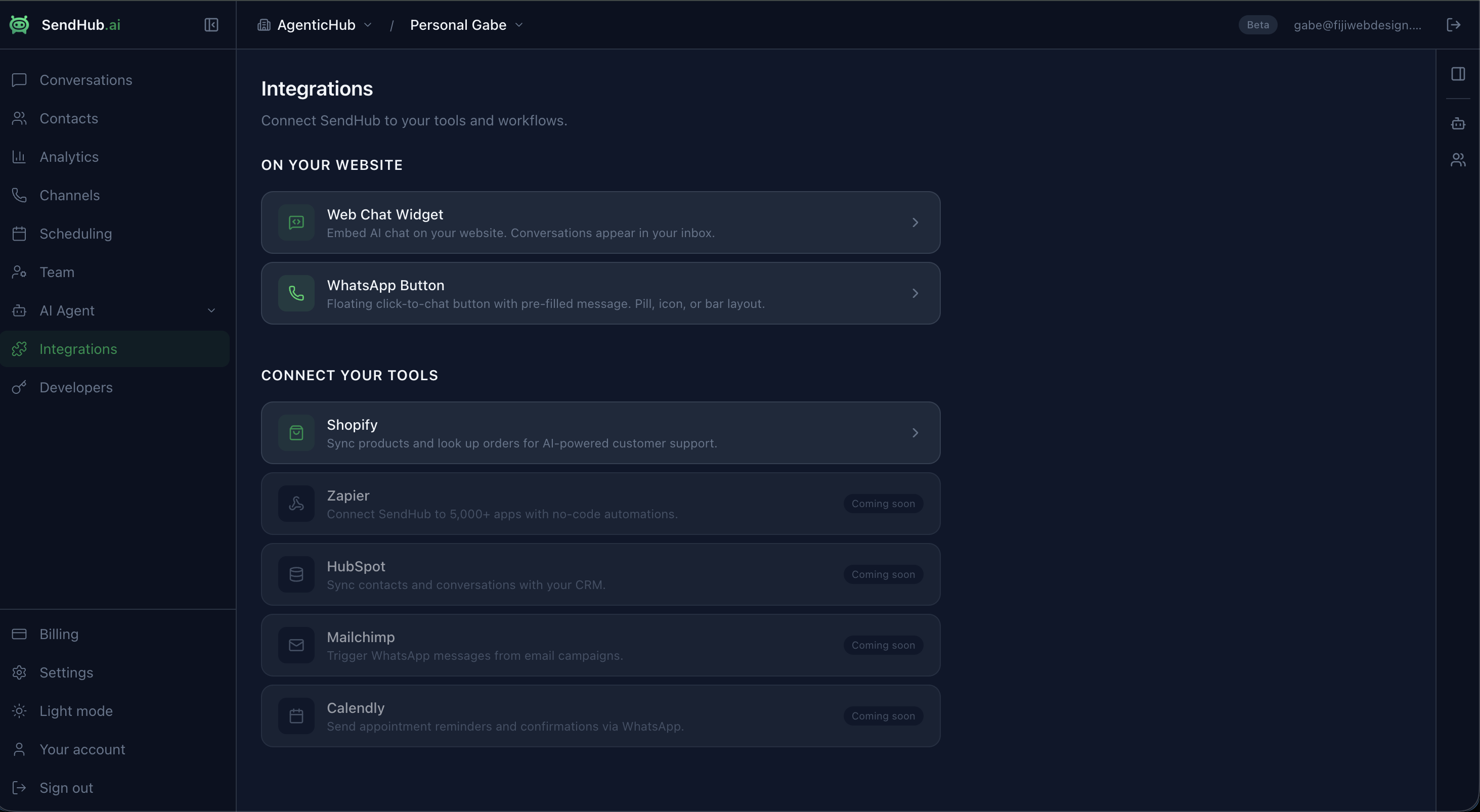
On Your Website
Embed SendHub on your website to engage visitors directly:
Web Chat Widget
AI-powered chat bubble on any website. Conversations appear in your inbox.
WhatsApp Button
Floating click-to-chat button with pre-filled message. Pill, icon, or bar layout.
Connect Your Tools
Live Integrations
| Integration | What it does |
|---|---|
| Shopify | Sync products and orders. AI answers customer questions about pricing, availability, order status, and tracking. Semantic product search via Cmd+K. |
Coming Soon
| Integration | What it will do |
|---|---|
| Zapier | Connect SendHub to 6,000+ apps with no-code automations |
| HubSpot | Sync contacts and conversations with your CRM |
| WooCommerce | WordPress plugin with product and order sync |
| Make | Visual automation workflows for 1,500+ apps |
| Zoho CRM | Contact and lead sync |
| Salesforce | Enterprise-grade CRM integration |
Channels
SendHub supports multiple communication channels from a unified inbox:
| Channel | Status | Description |
|---|---|---|
| WhatsApp Business | Live | Connect via Meta Embedded Signup — one click, no credentials |
| WhatsApp Personal | Live | Link any WhatsApp number via pairing code |
| Live | Send and receive email from your domain via Resend | |
| Web Chat | Live | Embeddable widget for websites and Shopify stores |
Manage channels from Channels in the sidebar. See Connect WhatsApp for setup.
Scheduling & Automation
SendHub includes a built-in message scheduling system:
- One-time sends — schedule a message for a specific date and time
- Recurring broadcasts — weekly promotions, monthly check-ins
- Event-triggered automations — send messages after signup, order, or tag changes
- Natural language input — type “every Monday at 10am” and AI parses it into a schedule
- Audience targeting — select specific contacts or filter by segment tags
Access scheduling from the Scheduling page in the sidebar.
API Access
For developers who want programmatic access:
- Create API keys in Developers > API Keys
- Use the SendHub API to send messages, search products, look up orders
- See the API documentation for endpoints and examples